Import your existing client database from an Excel file. Bring over your entire roster in one go.
Upload an Excel file (.xlsx or .xls) and Scraler's AI reads it for you. It doesn't matter how your columns are named or ordered, or whether names are split into separate columns or combined into one — it pulls out first name, last name, email, and phone number automatically.
Migrating from another platform
Onboarding a batch of new clients
Importing from a gym membership list
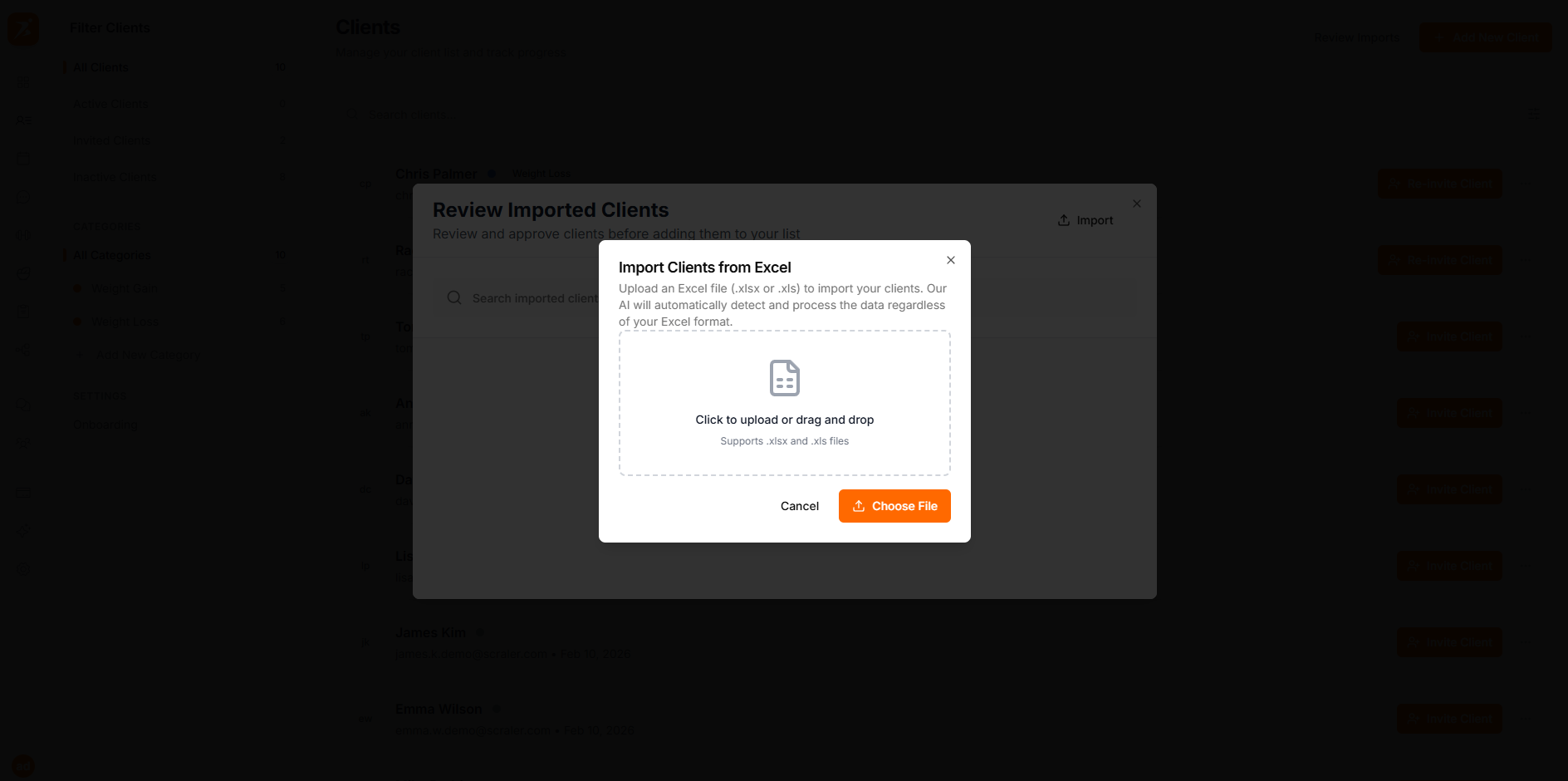
Supported File Formats
Excel 2007 and newer
Legacy Excel format
After uploading, you'll see a preview of all detected clients. Review the list, fix any issues, then click Approve. You'll be asked whether to send invitation emails right away.
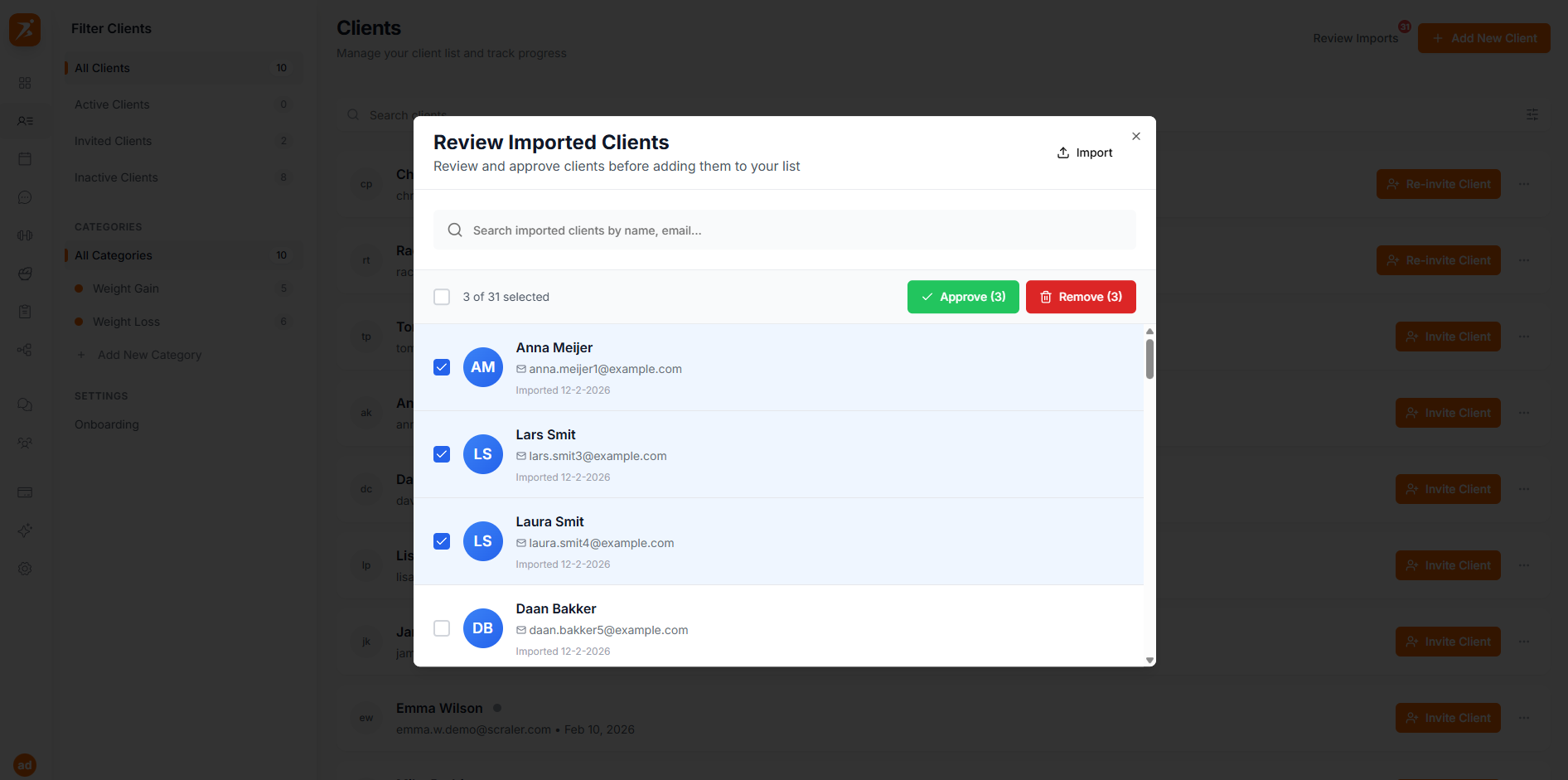
No, Just Approve
Add clients to your roster now and invite them later
Yes, Send Invites
Add clients and email each one their signup link immediately
