Go to Support in your sidebar and click the New button. Fill in a short subject line, pick a category and priority, and describe your issue. Click Submit Ticket and you're done.
The support page works like a simple inbox. You create a ticket, we reply, and you can chat back and forth until the issue is sorted.
Describe what you need help with. Pick a category and priority so we know what to look at first.
Our team reads your ticket and replies directly inside the app. You'll also get an email when your ticket is marked resolved.
You get a notification when we reply. Open the ticket to continue the conversation.
Go to Support in your sidebar and click the New button. Fill in a short subject line, pick a category and priority, and describe your issue. Click Submit Ticket and you're done.
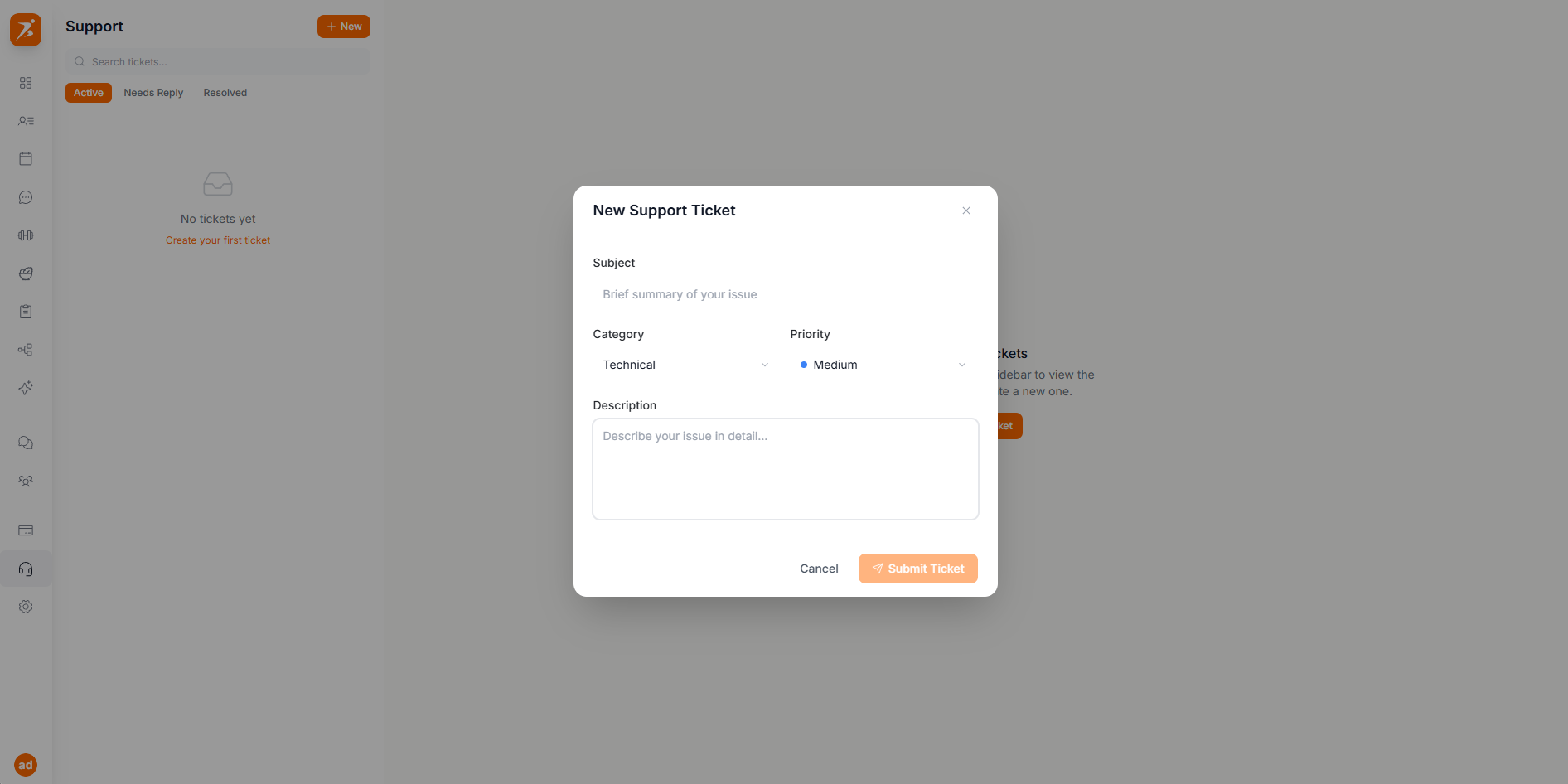
When you create a ticket, pick the category that best fits your issue. This helps our team route it to the right person.
Login issues, profile settings, subdomain changes, or anything related to your account.
Questions about your subscription, payment issues, invoices, or Stripe connection.
Something isn't working right — bugs, errors, loading issues, or unexpected behavior.
Questions or issues with importing your client list from Excel or CSV.
Have an idea for something new? Let us know what you'd like to see in Scraler.
Anything that doesn't fit the categories above.
We're here to help
Got a question or ran into a problem? Open a support ticket and we'll get back to you.
Get Started Free