Export training plans to Excel for sharing or backup. Re-import to recreate the full plan structure.
Plus Plan Feature — Import and export is available on the Plus plan and above. Upgrade to unlock this along with AI generation and advanced workout tools. View pricing
Export any plan to a styled Excel file with metadata for re-importing.
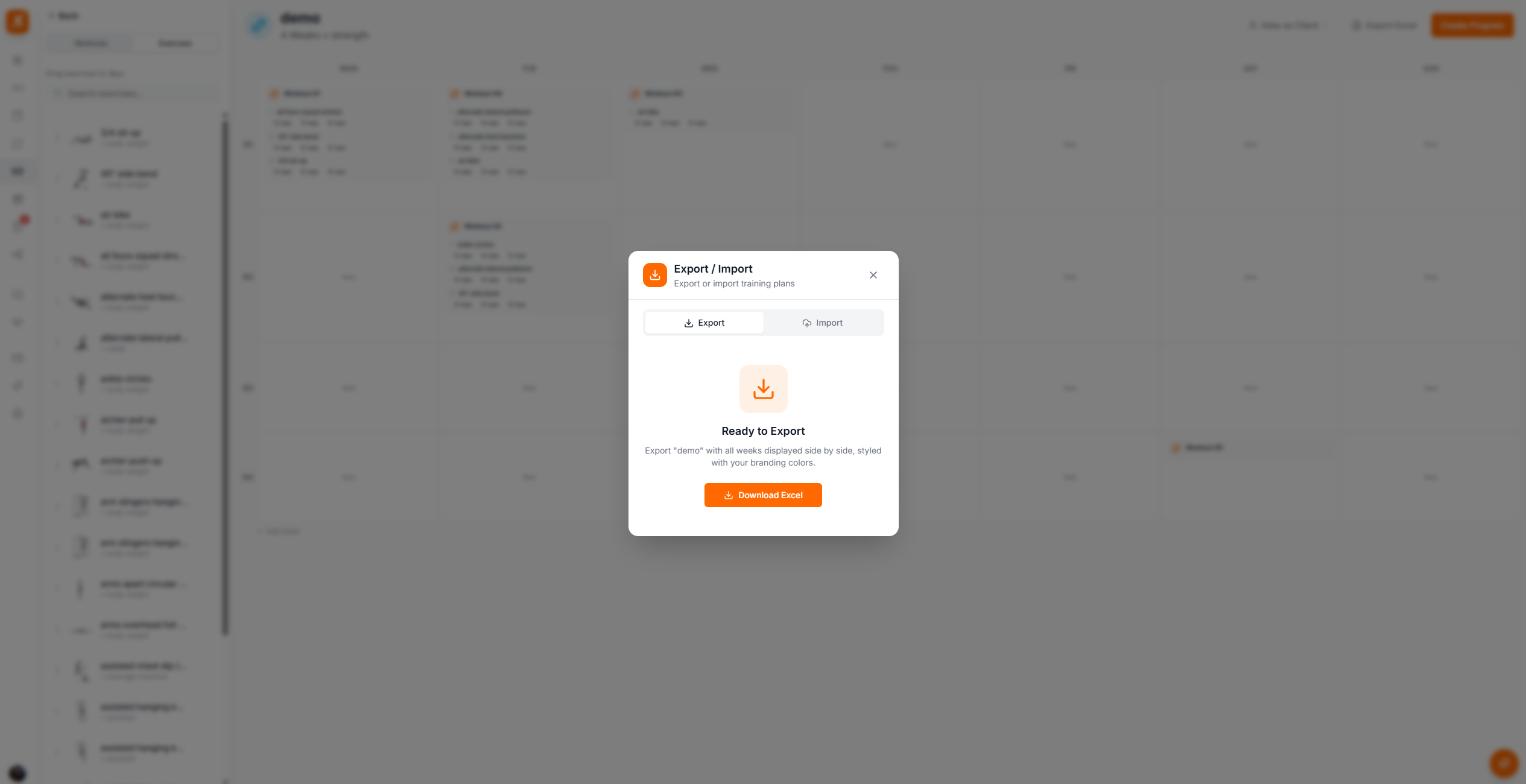
Screenshot: Exported Excel format
Show: Excel file open with colored week headers arranged horizontally, exercises listed with sets/reps
public/docs/exported-excel.png
The export button is available in two places:
Plan Builder Header — Click the download icon in the top action bar when editing a plan
Plan Actions Menu — From the three-dot menu on any training plan card
Upload a previously exported Excel file to recreate the full plan structure.
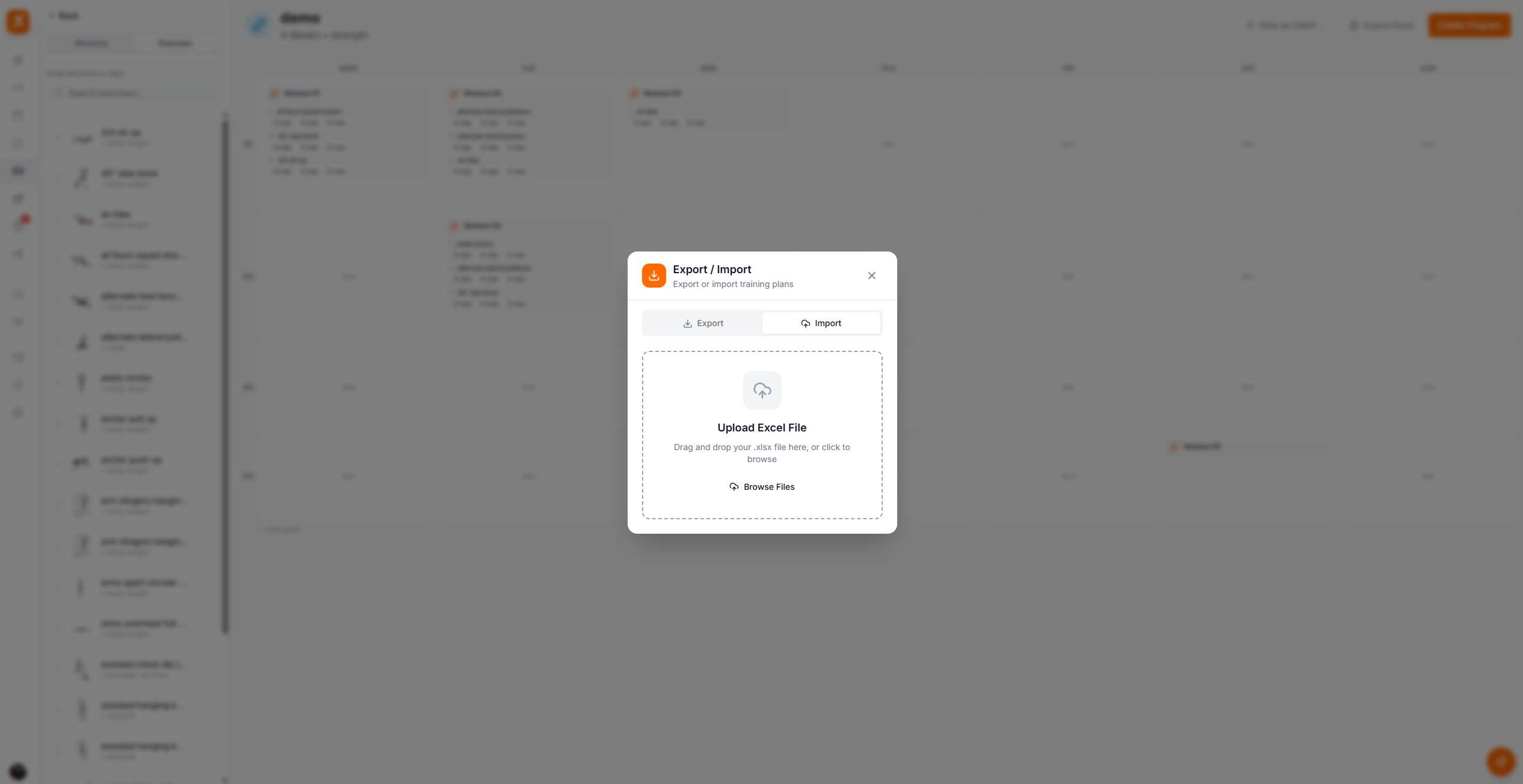
Screenshot: Import training plan
Show: import dialog with dropzone area, "Browse Files" button, and supported file format note
public/docs/import-plan.png
Scraler Exports Only — The import feature only supports Excel files that were exported from Scraler. External spreadsheets or manually created Excel files cannot be imported as they lack the required metadata structure.
Exported files include:
Professional training plans, zero hassle
Export to Excel, share with clients, and re-import whenever you need.
Get Started Free