Create weekly meal plans for your clients. Pick the meals, set the macros, and let your clients see exactly what to eat each day.
Three tabs: Templates, Recipes, and Cookbooks. Search, filter, and create new plans.
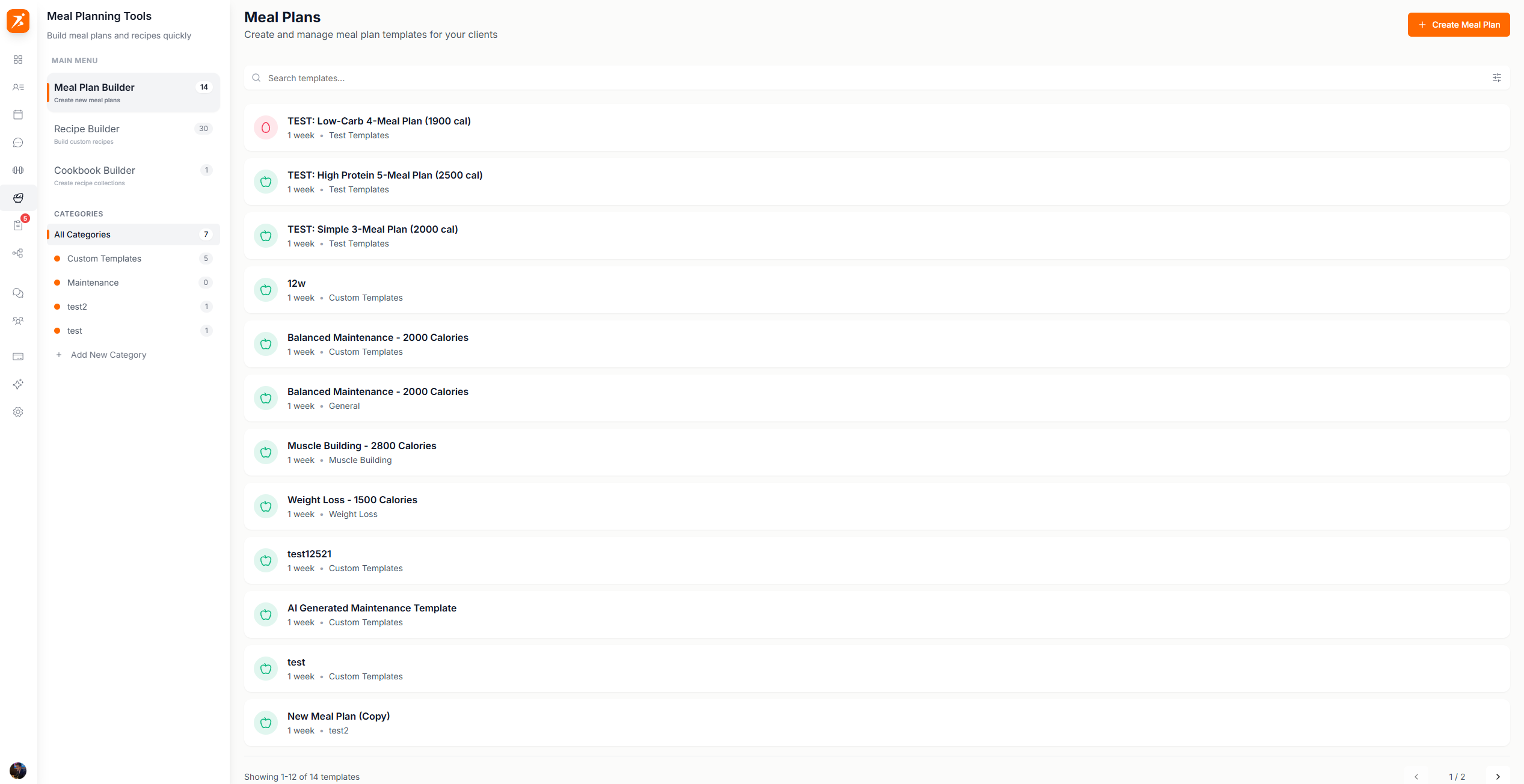
Screenshot: Meal plans list
Show: Meal Plans page with 3 tabs at top (Templates, Recipes, Cookbooks). Templates tab active showing a grid of meal plan template cards with colored icons, category badges, duration labels, search bar, and "Create" button
public/docs/meal-plans-list.png
7 days (Mon–Sun), multiple meals per day.
Set daily calorie and macro targets. Progress updates in real-time.
Let AI build a complete meal plan for you. Just set the macros and number of meals — AI does the rest.
Once a plan is ready, assign it to a client for a specific week. They can view it in their app right away.
Three ways to create a meal plan:
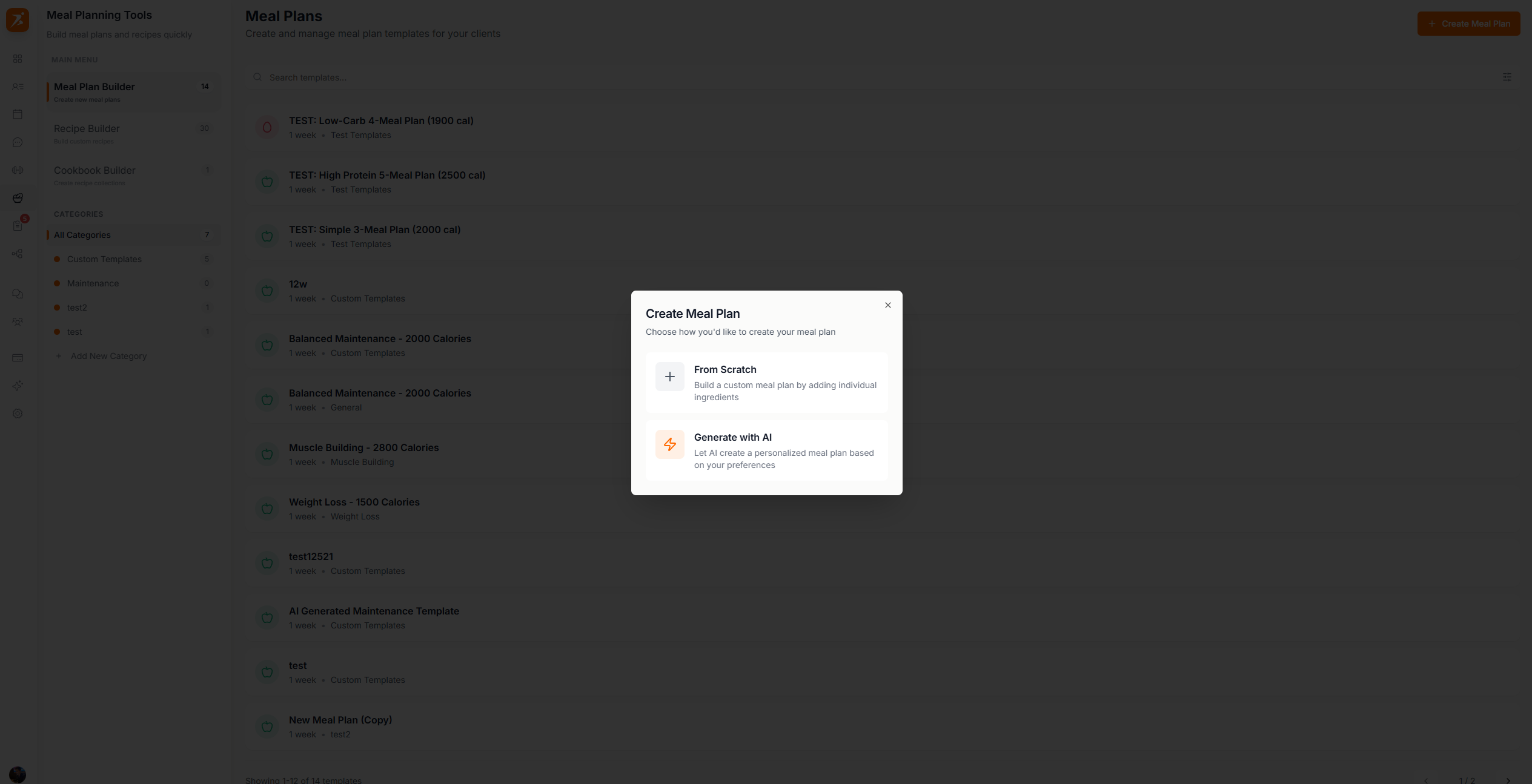
Screenshot: Create meal plan dialog
Show: "Create Meal Plan" modal with 3 options — From Scratch (with Plus icon), Generate with AI (with Zap icon, Plus badge), From Template (with Book icon) — each with icon and description
public/docs/create-meal-plan.png
From Scratch
Start with a blank plan and add meals and ingredients yourself, one day at a time.
Generate with AI
Tell AI your calorie and macro targets, pick how many meals per day, and it builds the whole plan for you.
From Template
Pick one of your saved meal plan templates as a starting point, then edit it however you like.
Create personalized meal plans in minutes
AI generation, 3M+ food database, and macro tracking — all included.
Get Started Free