Build meals for each day of the week. Pick a day, add meals, and track macros in real-time.
One full-width page. Top: plan name + Save button. Below: day tabs (Mon–Sun). Below that: macro progress bars. Then your meal cards. Bottom: "Add Meal" button.
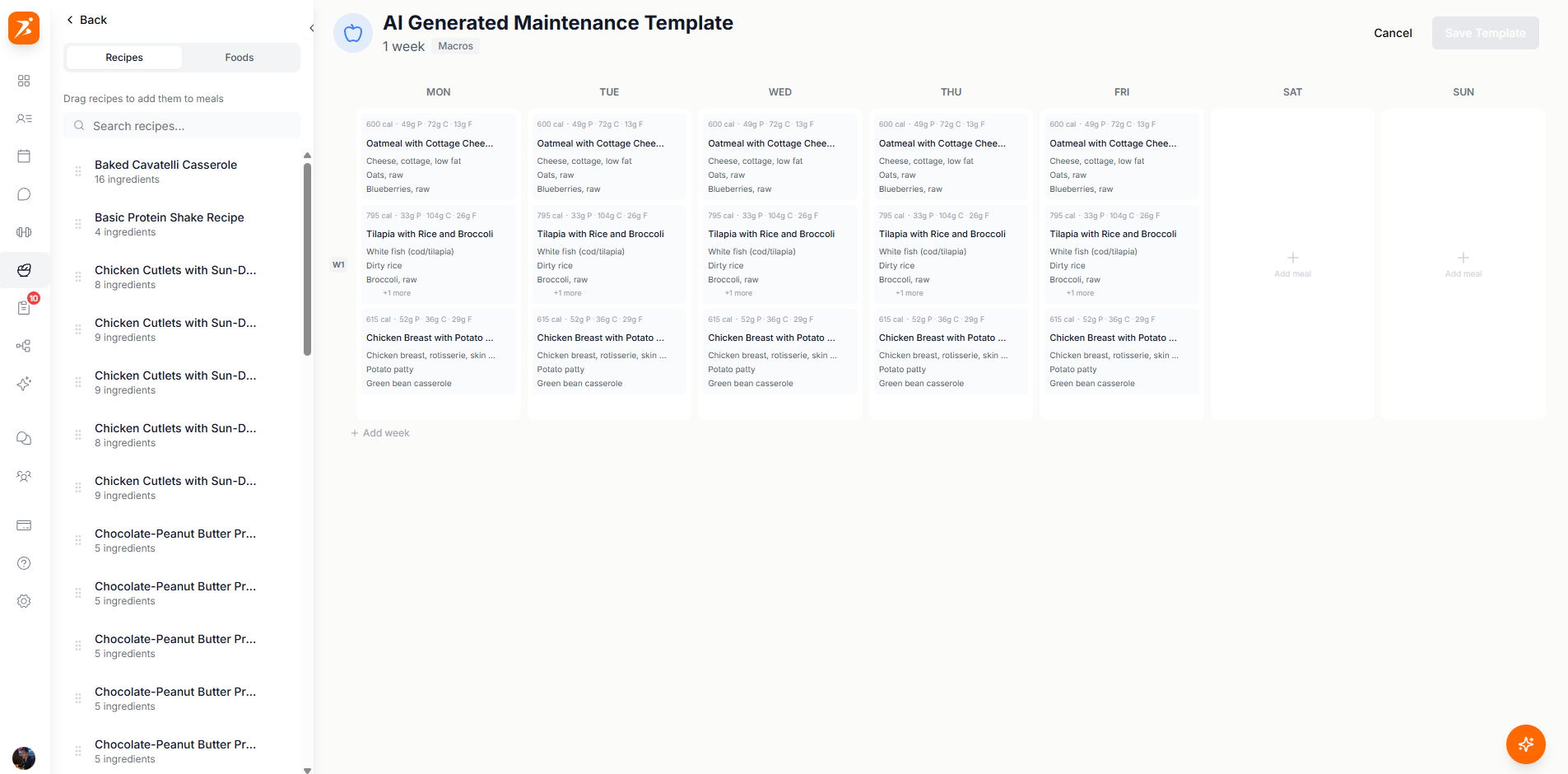
Screenshot: Meal plan builder
Show: full-width single-column layout. Top: plan name with icon picker + Save button. Below: day selector strip (Mon-Sun tabs, active day highlighted). Below that: 4 macro progress bars (calories, protein, carbs, fat with current/target values). Main area: expandable meal cards stacked vertically, each showing meal name + quick macro summary. Bottom: large Add Meal button. Bottom-right corner: floating AI chat button.
public/docs/meal-plan-builder.png
Click "Add Meal" at the bottom. A popup gives you three options:
Empty meal card — add foods one by one.
AI fills in all meals for you.
Pick a saved recipe from your library.
Search over 3 million foods with full nutrition info.
Automatically scales ingredient amounts to hit your daily macro targets.
Copy a meal via the three-dot menu, switch to another day, and paste it.
Ask AI to add, swap, or change meals for you via the chat button.
Build client meal plans your way
Day-by-day builder with auto-adjust macros, AI chat, and 3M+ foods.
Get Started Free