Real-time messaging with clients. Send text, voice messages, files, payment requests, and check-up requests directly in chat.
The chat page shows your conversations list on the left and the active conversation on the right.
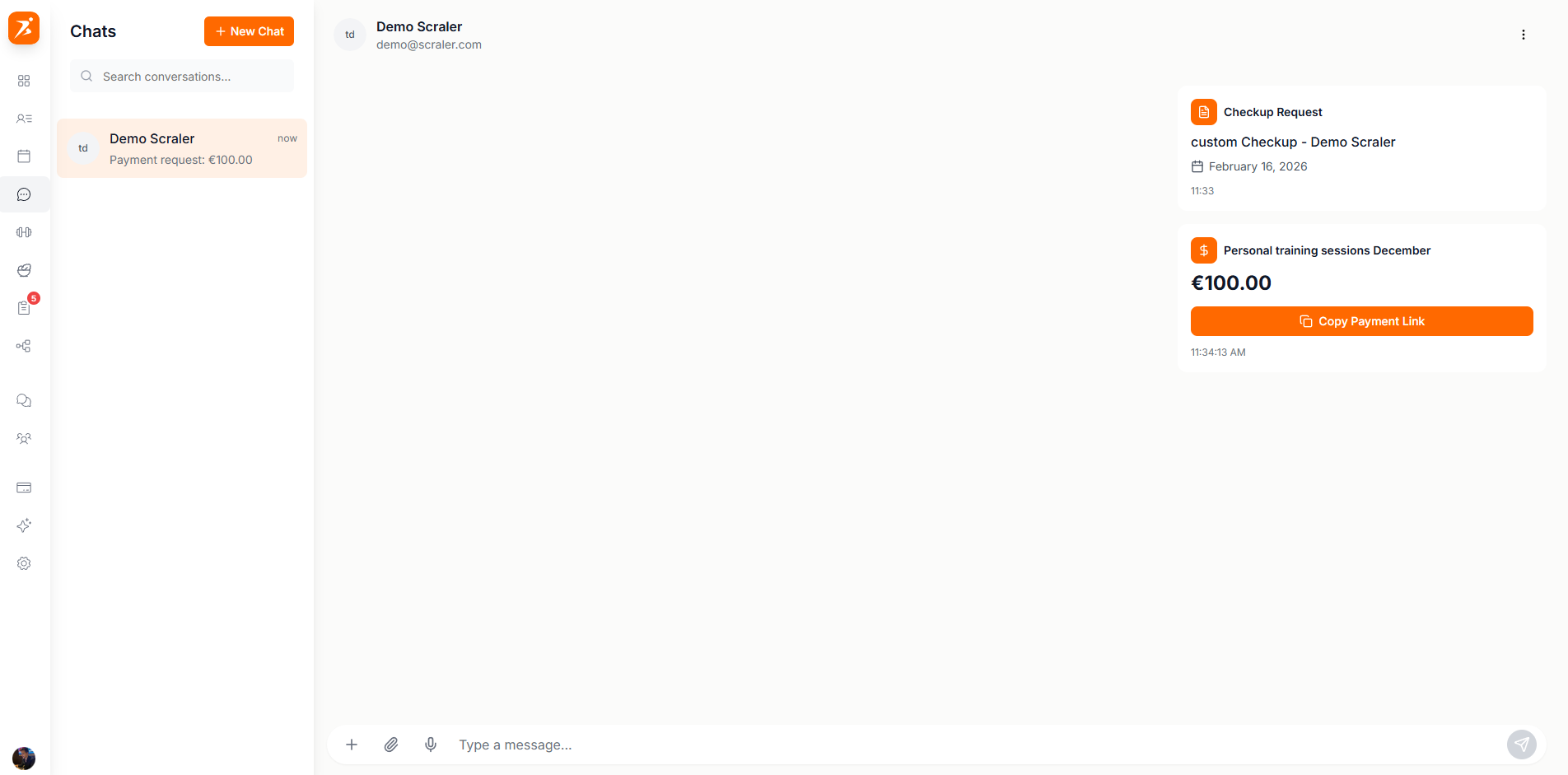
Screenshot: Chat interface
Show: full chat view with conversation list on the left (3+ conversations with avatars, unread badges, online indicators), active chat on right with message bubbles (sent in orange, received in white), reply-to-message visible, input bar with attachment/voice/emoji buttons
public/docs/chat-interface.png
Click the + button in the message input to access quick actions. Send payment requests or check-up requests directly from the chat.
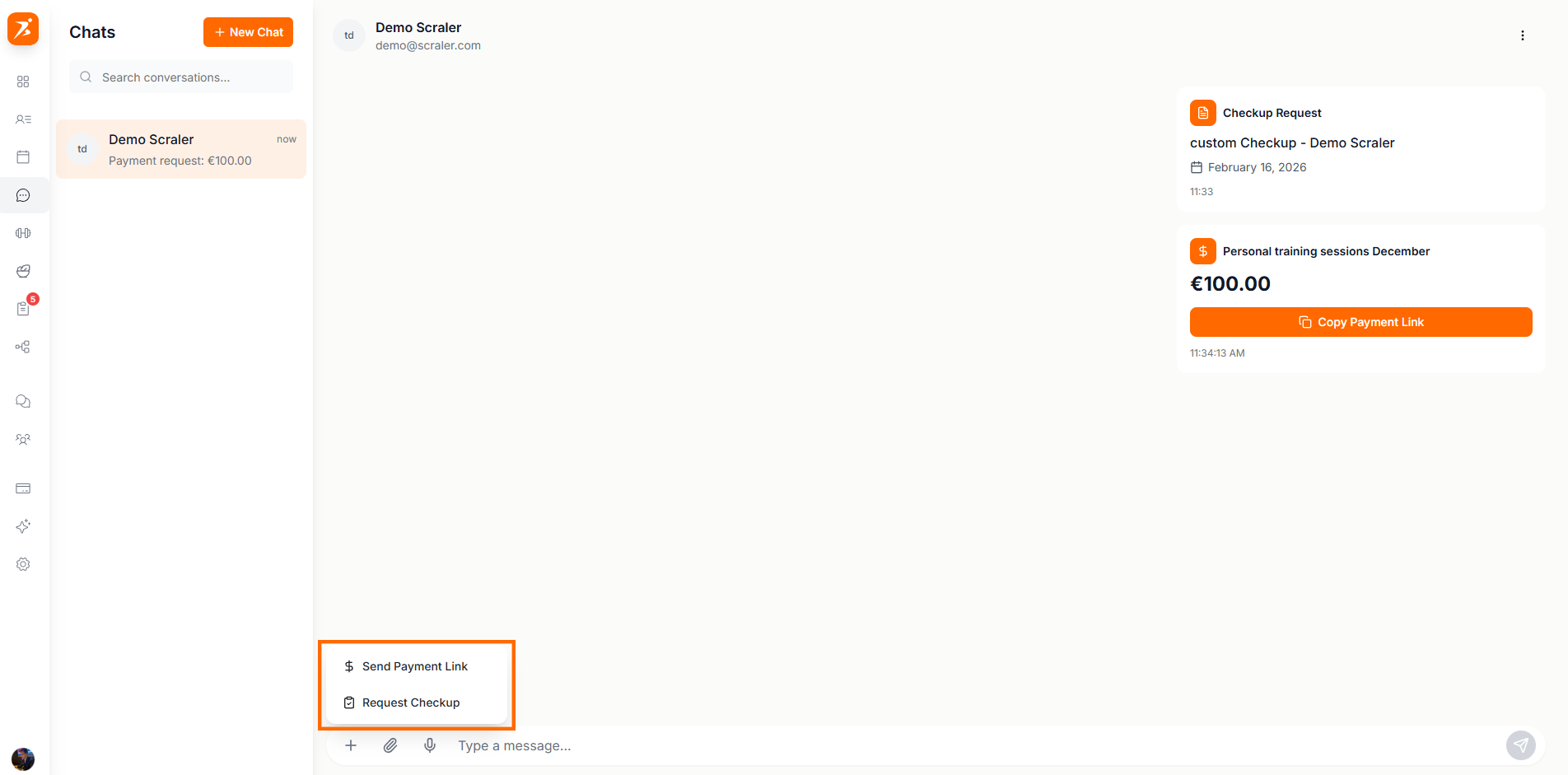
Screenshot: Quick actions menu & message actions
Show: "+" button menu open with "Send Payment Link" and "Request Check-up" options, plus hover actions on a message bubble (reply, edit, delete buttons)
public/docs/chat-actions.png
Send rich message cards for payments, check-ups, appointments, and subscriptions. Clients see interactive buttons to take action.
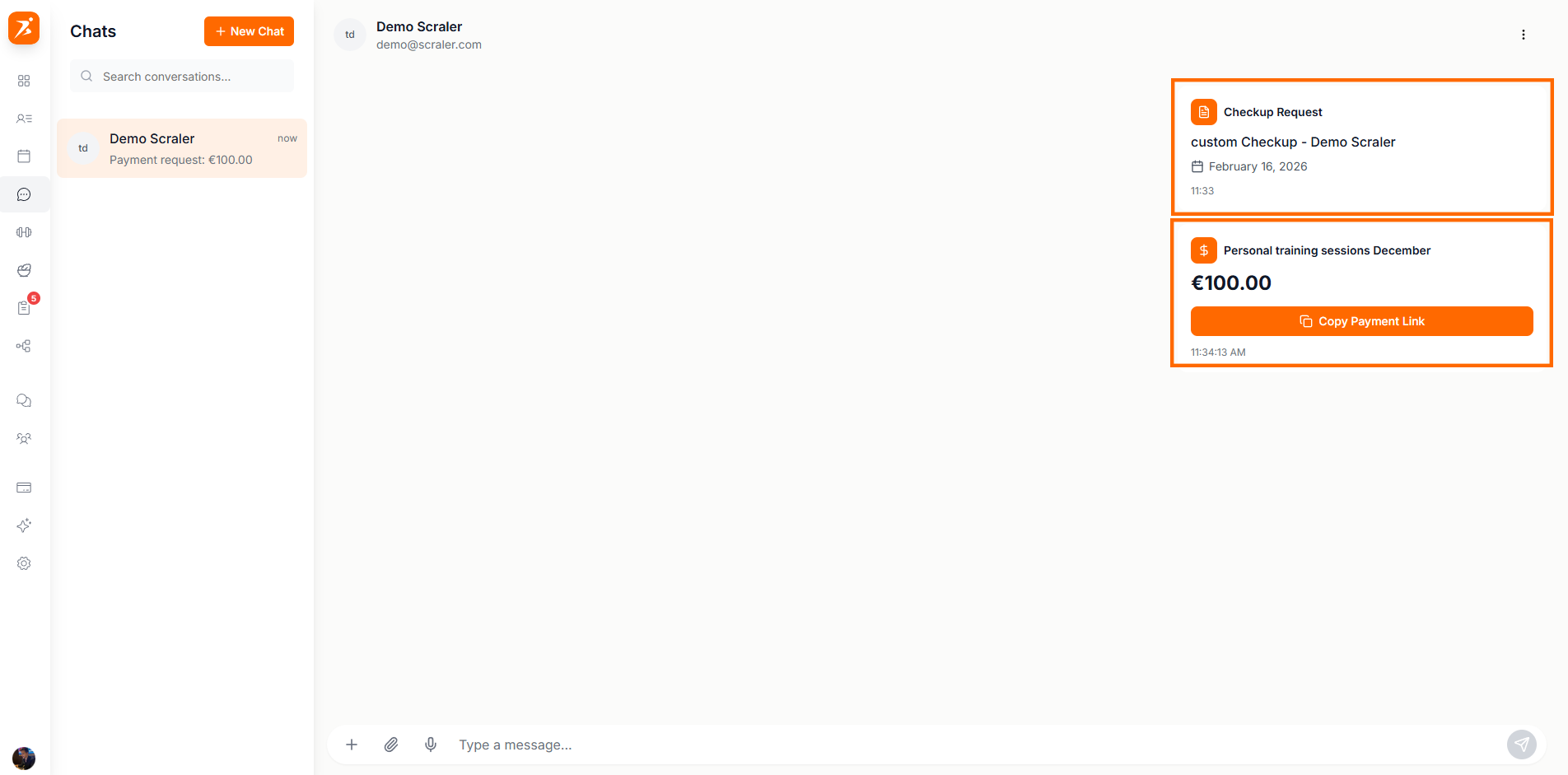
Screenshot: Special message types
Show: 4 special message cards in a chat — payment request (€75 with "Pay Now" button), check-up request (with due date and "Complete" button), appointment invite ("Confirm" button), subscription request (€99/month "Subscribe Now")
public/docs/special-messages.png
Share images, files, and voice messages. All attachments are end-to-end encrypted.
Max 2 min recording
Auto-compressed to max 1MB
PDF, DOC, TXT supported
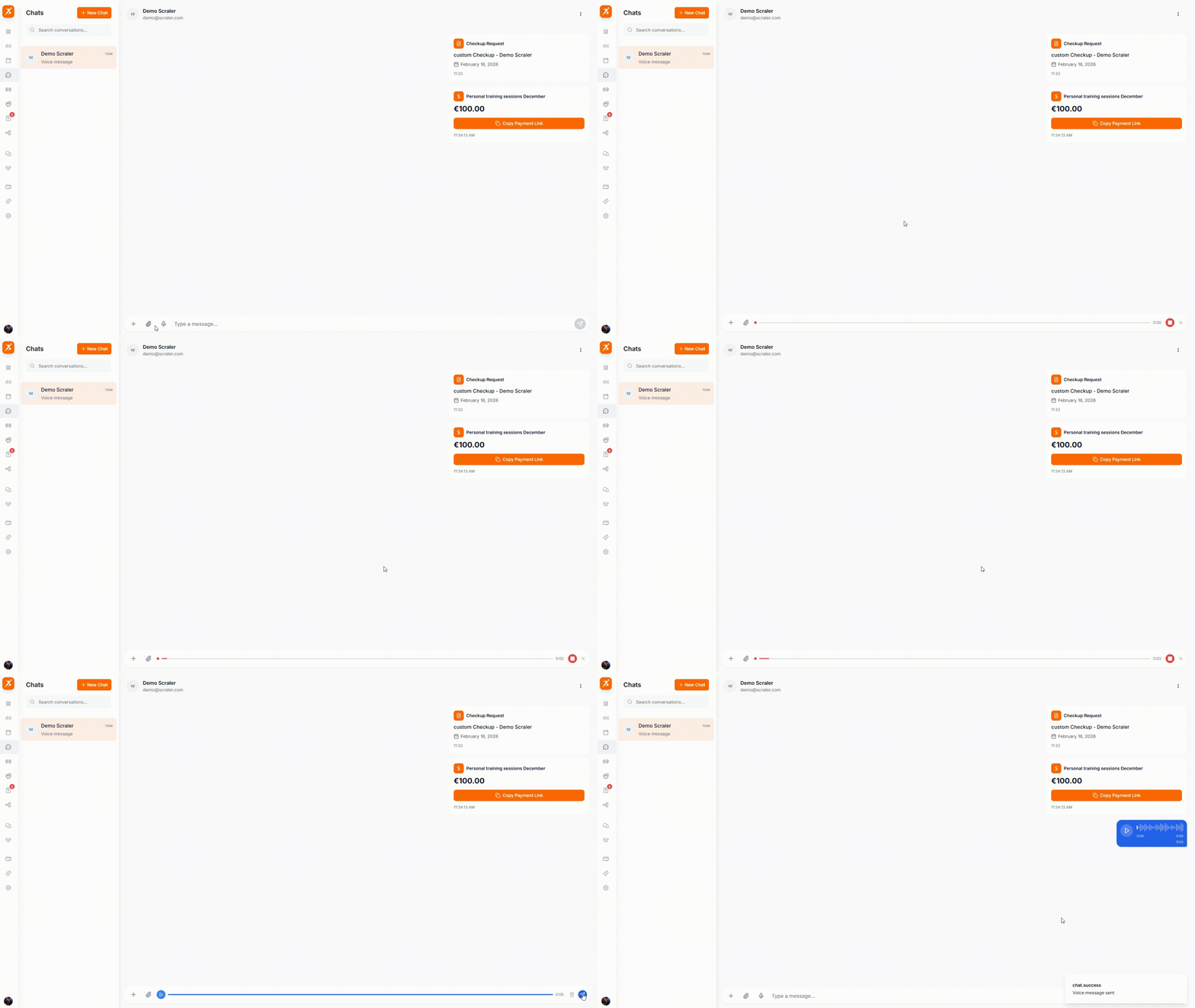
GIF: Sending a voice message
Record: click mic button, show recording waveform animation, stop recording, voice message appears with play button and waveform visualization
public/docs/voice-message.gif
Create group conversations with multiple clients for team announcements or class coordination.
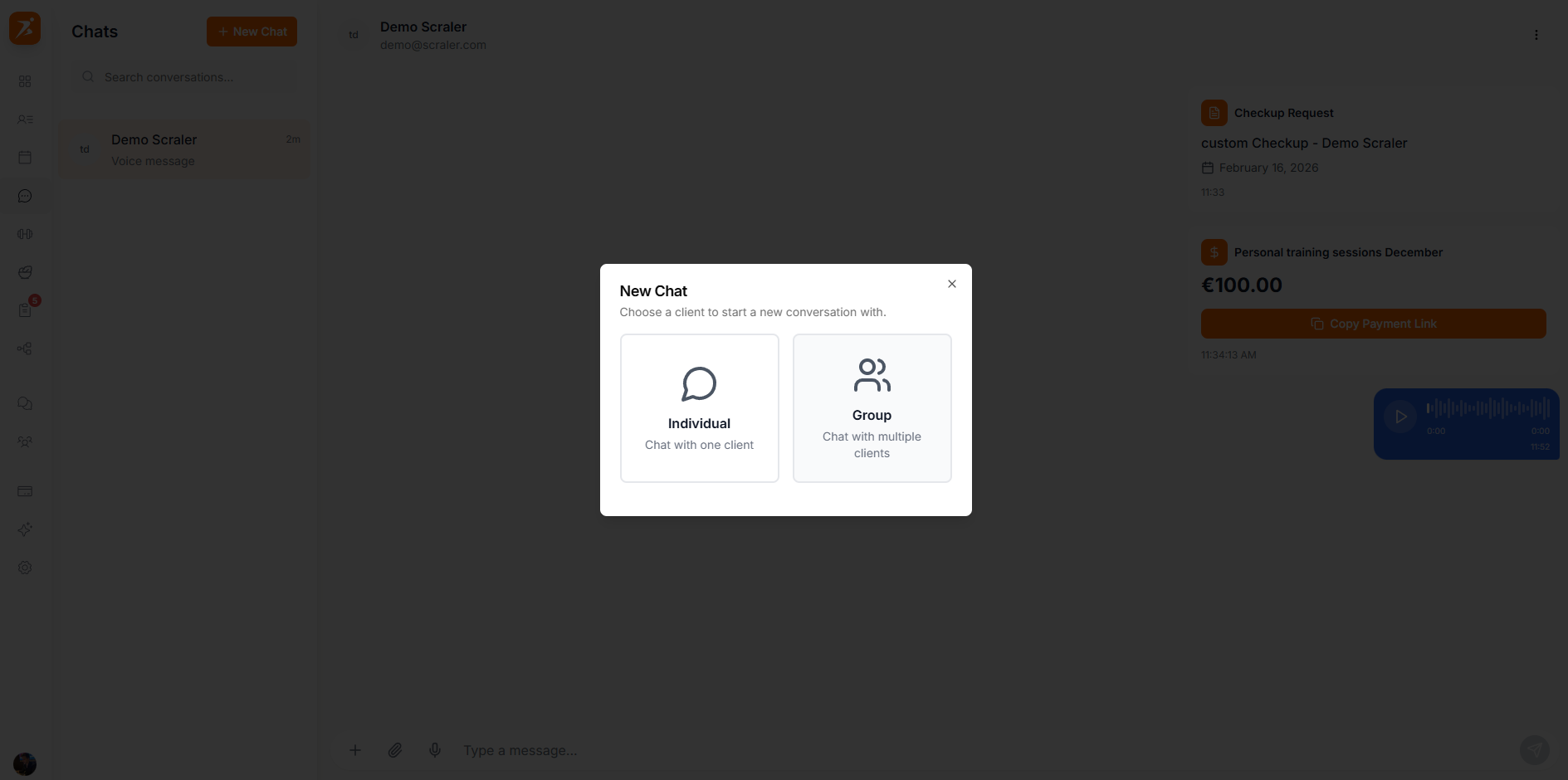
Screenshot: Group chat creation & settings
Show: "Create Group Chat" dialog with group name input and client checkboxes (3 clients selected), plus the group settings panel showing participant list with remove buttons and "Add Participant" button
public/docs/group-chat.png
Messages delivered instantly via WebSocket connection. See typing indicators and online status.
Send payment requests and subscription links directly in conversations.
Request client check-ups with due dates. Clients get an interactive card to complete directly.
Create group conversations with multiple clients for team announcements or class coordination.
Connect with your clients instantly
Real-time messaging, voice notes, and payment requests — all in one place.
Get Started Free